Quran Radio from Cairo
Your favorite Quran channels, streamed live 24/7.
Listen. Reflect. Feel Closer.
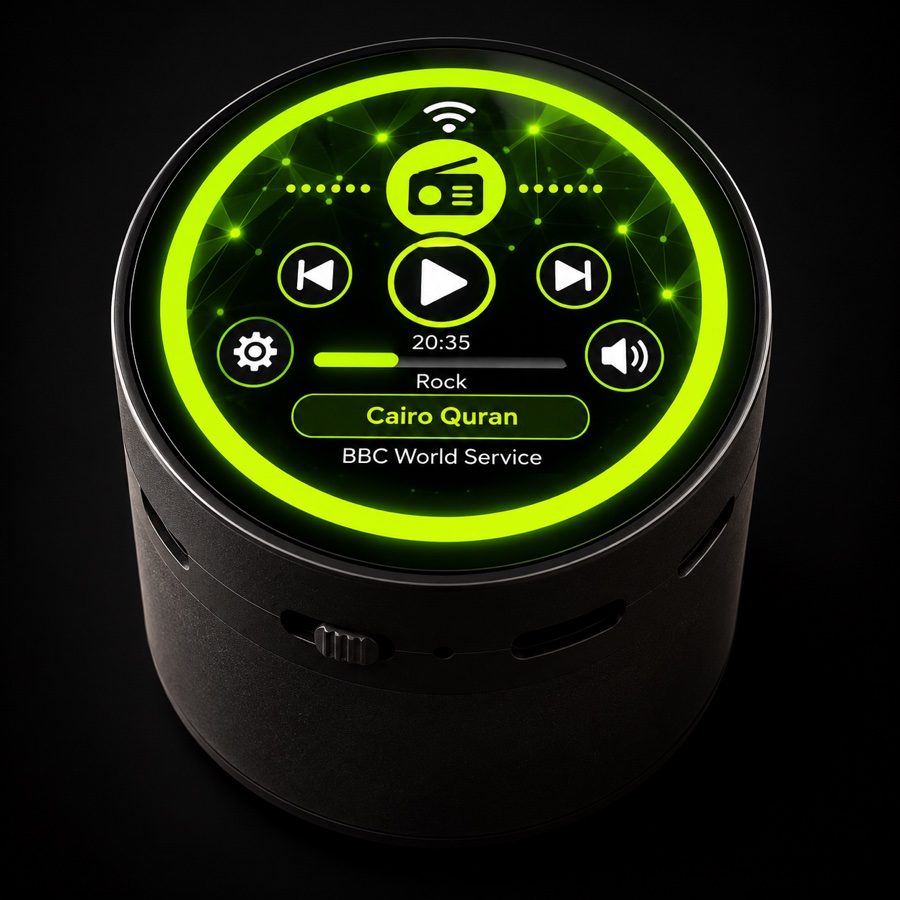
VarAudio brings you the Quran Radio from Cairo with crystal clear sound and a premium listening experience. Stream over Wi-Fi, play your own MP3s from an SD card, and control everything from a round touchscreen or the VarThings app.
Secure checkout by Stripe.
 ♪ Music & Radio
🕌 Azan on time
♪ Music & Radio
🕌 Azan on time
Everything It Does
Your favorite Quran channels, streamed live 24/7.
Play your own MP3 files.
Play MP3s from SD storage, fully offline.
Rich, clear and immersive audio.
Stable connection for best streaming.
Intuitive, easy to use 1.85-inch round display.
Meet VarAudio
A matte black body, a slide switch, USB-C and an SD slot, with a bright round touchscreen on top.
The Heart of VarAudio
القرآن من القاهرة
One of the world's most beloved listening experiences, streamed live over Wi-Fi and always within reach. Listen. Reflect. Feel closer.
Prayer Times
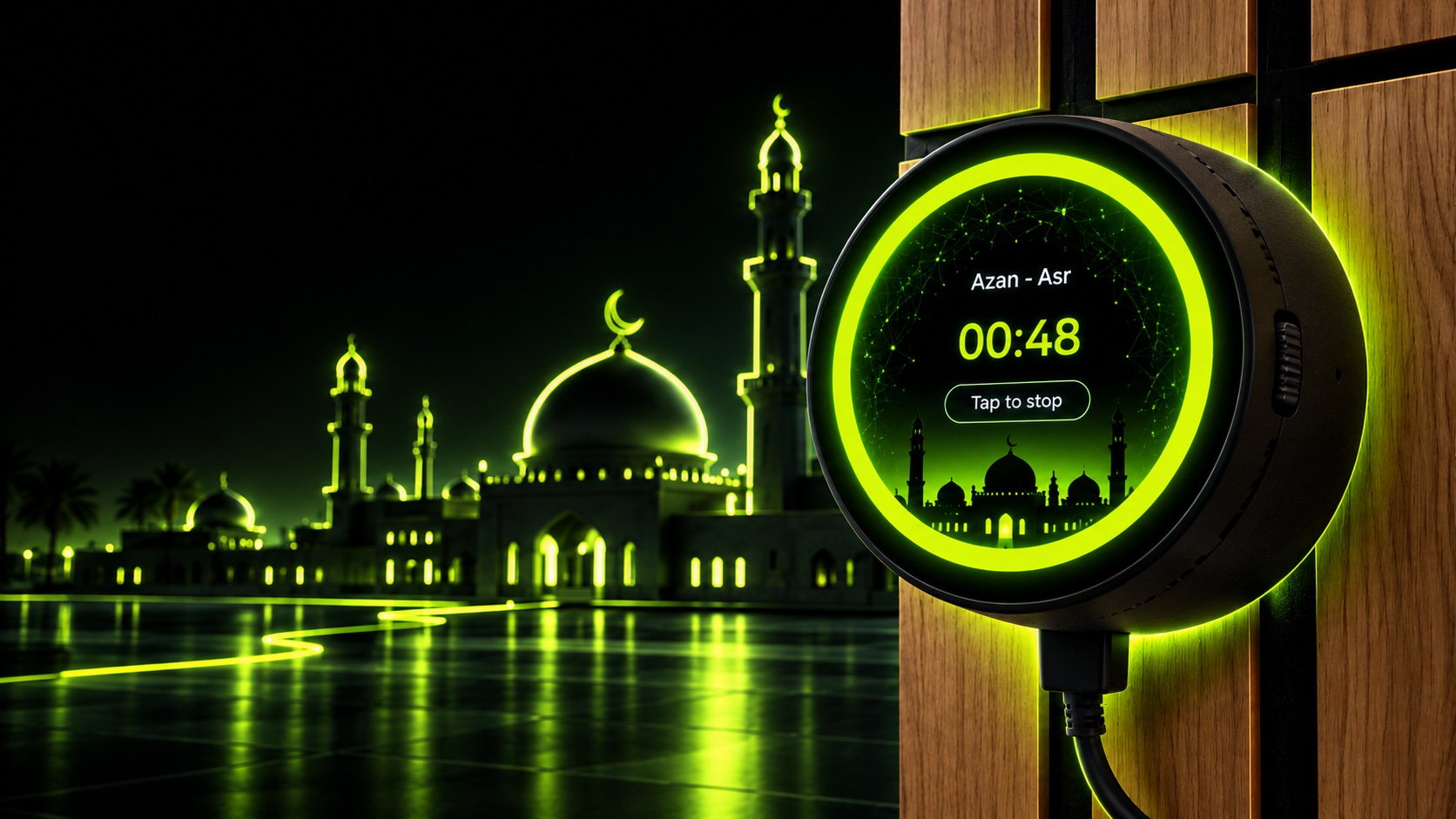
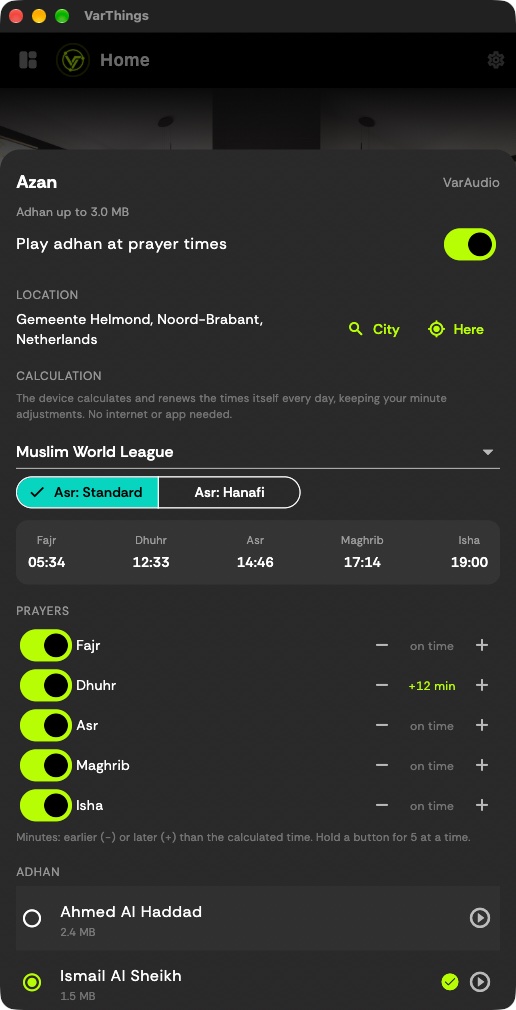
Choose your city, calculation method and adhan in the VarThings app. VarAudio calculates the prayer times itself and plays the Azan on time, without internet or the app.
Designed in EEZ Studio
Every screen on VarAudio is built for a small circular touch display: bold type, glowing controls and a calm network backdrop.
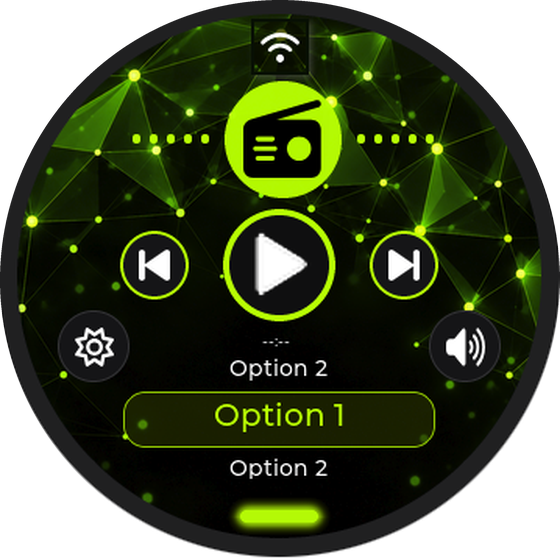
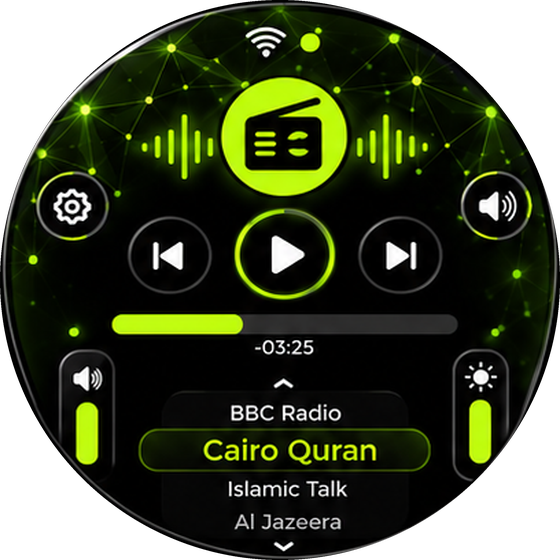
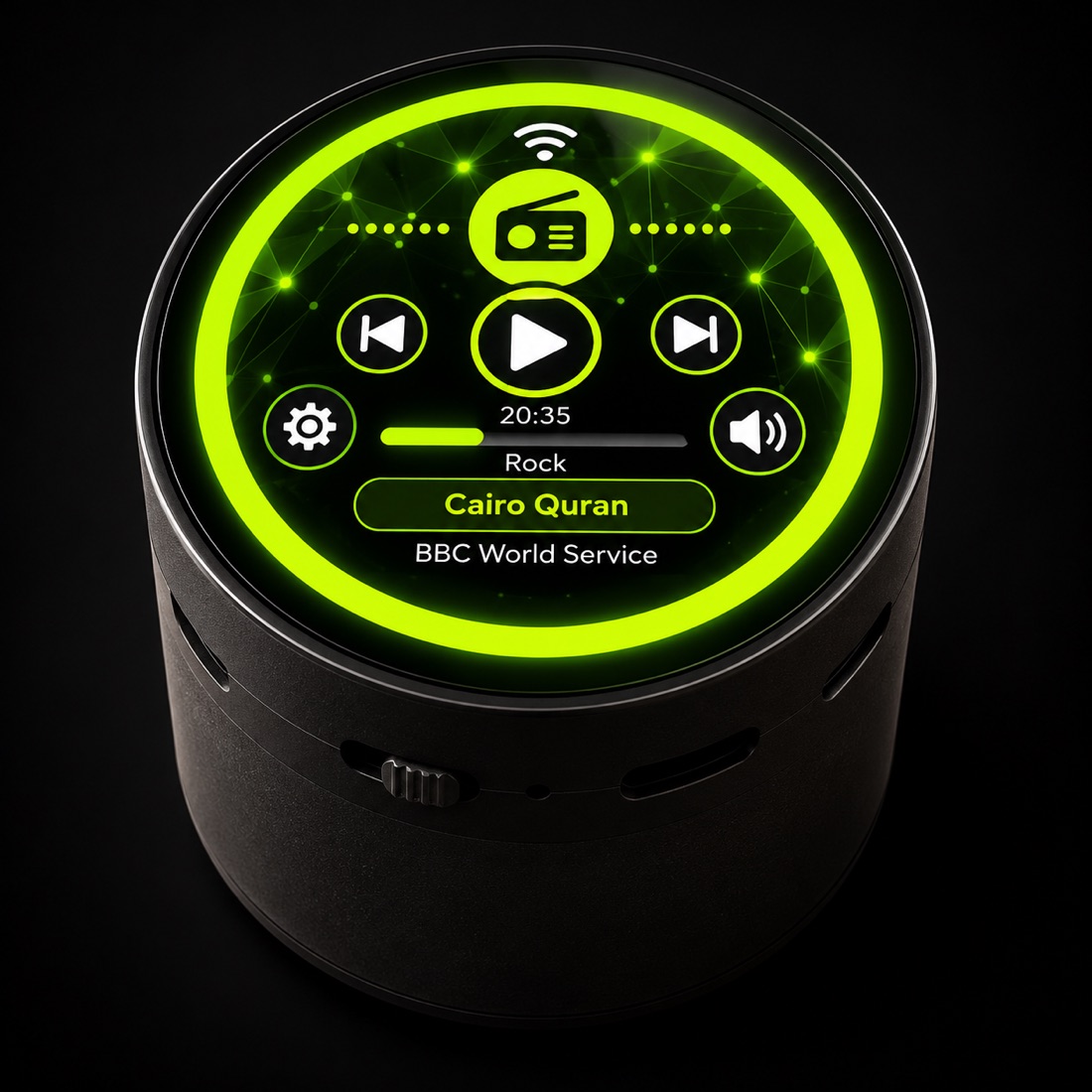
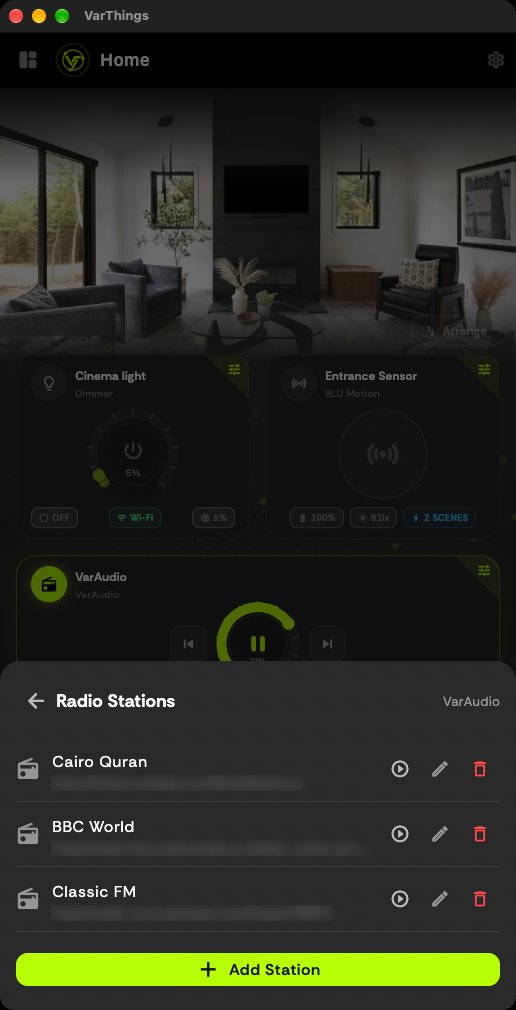
Cairo Quran, BBC Radio and your own stations. Scroll the list, tap to play.
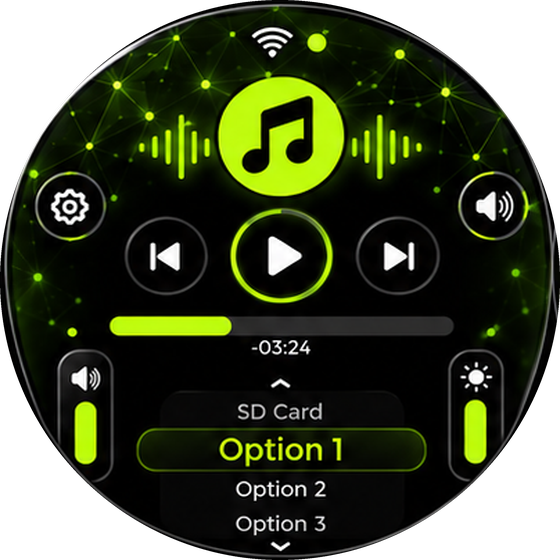
Browse and play the MP3 files on your SD card, with progress and track controls.
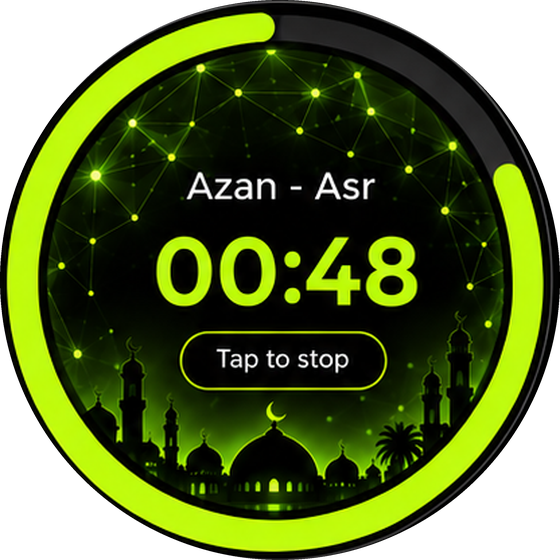
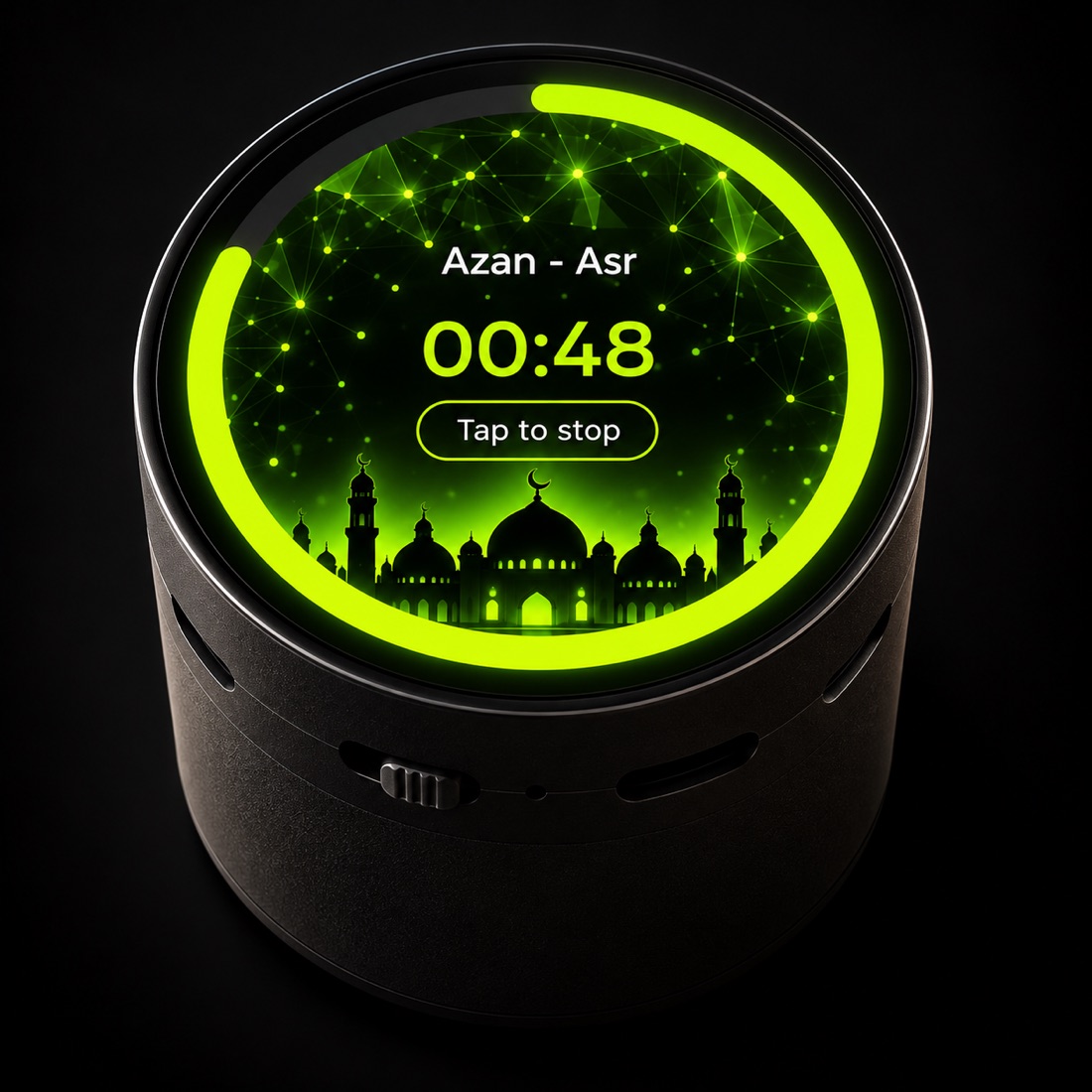
A live countdown to the next prayer, with a tap-to-stop button when the adhan plays.
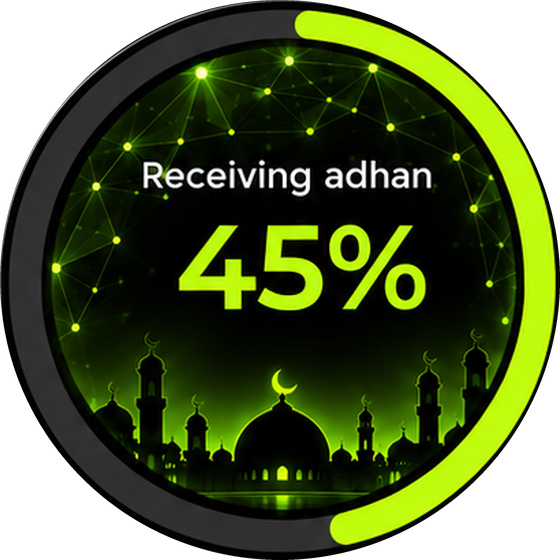
The adhan is received wirelessly from the app, with progress shown on the display.
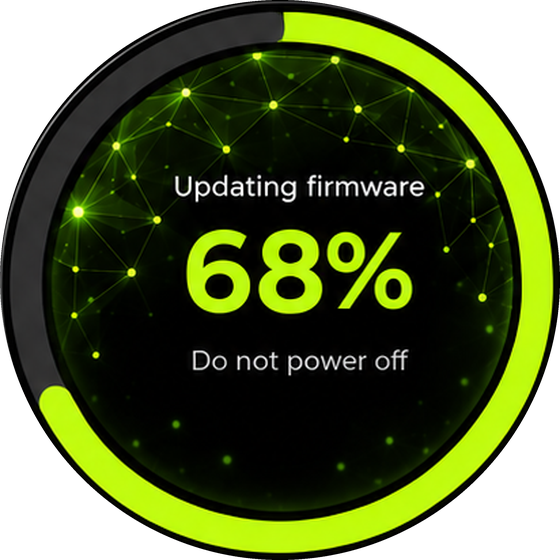
Firmware updates flash over the air. Just keep it powered while it finishes.
Built to Last
Every physical detail serves the listening experience — nothing unnecessary, nothing missing.
VarAudio is powered over USB Type-C, so a standard USB-C cable and power adapter are all you need.
Insert an SD card with your MP3 files and play them locally, without an internet connection.
Precision Controls
Two independent sliders give you granular control over volume and display brightness — no approximation needed.
A smooth, continuous 0–100 volume control. Set exactly what you want and VarAudio holds it. Works in both Music and Radio modes.
Adjust VarAudio's built-in display brightness from a comfortable minimum of 10 up to full 100. Perfect for night and day use.
In the VarThings App
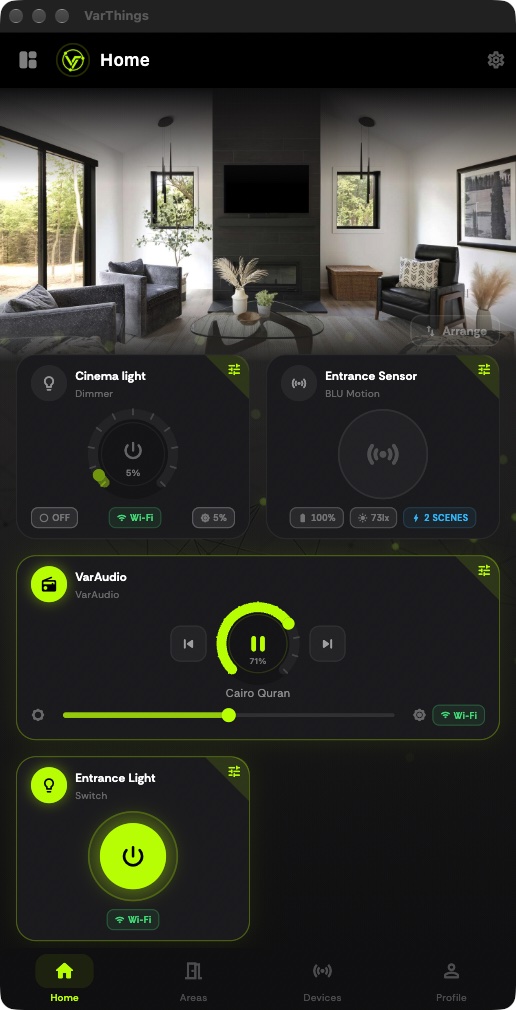
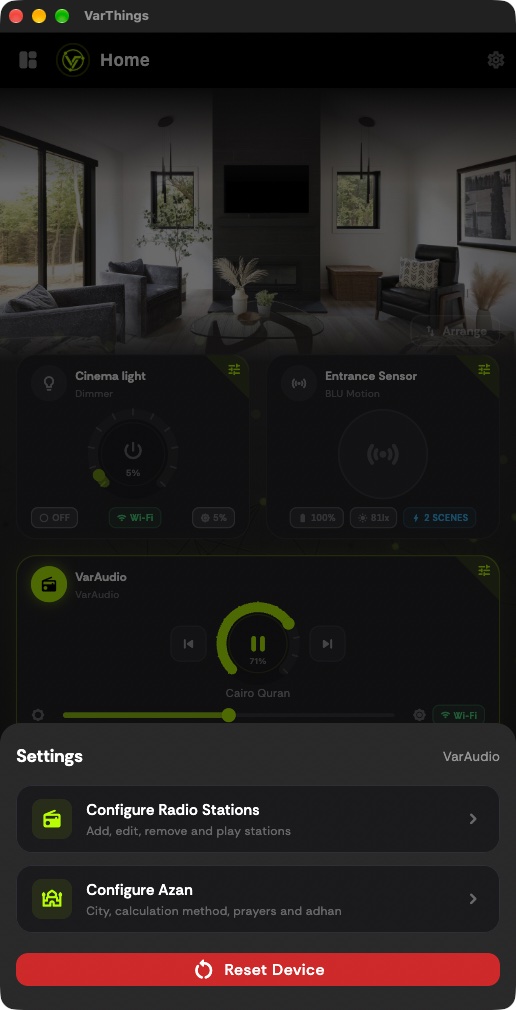
Play, pause, skip and set volume from the player card. Manage your radio stations and prayer-time adhan from the settings sheet.
Always Up to Date
VarAudio supports OTA firmware updates delivered wirelessly from VarApps. New features and fixes arrive without any physical access to the device.
Open VarThings and tap the OTA button on your VarAudio card. The app fetches the latest manifest from VarApps.
If a new version is available, VarThings downloads the firmware binary over your local network.
Firmware is pushed to VarAudio via HTTP. The device flashes and reboots — no cables, no computer needed.
Ships in about 2 weeks
Get VarAudio
Plays Cairo Quran Radio, internet radio and your own MP3s, and is managed from the VarThings app.
Launch offer · save €35
You'll enter your delivery address and phone number at checkout. See Shipping & Returns and Terms of Sale.
Control VarAudio
Set up and manage VarAudio from the VarThings app, free for iOS and Android. You can also use its touchscreen.
Also part of the VarThings platform — explore all features →